How to get your Circle API Key
This tutorial walks you through the exact steps to generate your Backend API Key from the Circle Developer Console. This key is required for Tessera to securely communicate with Circle and create wallets on behalf of your users.
Step-by-Step Guide
Step 1: Log in to the Console
Log in to your Circle Developer Console.
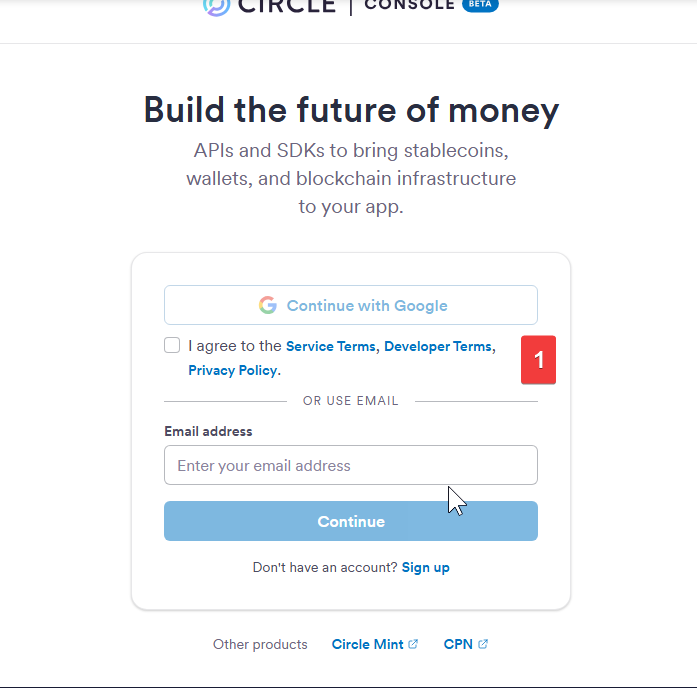
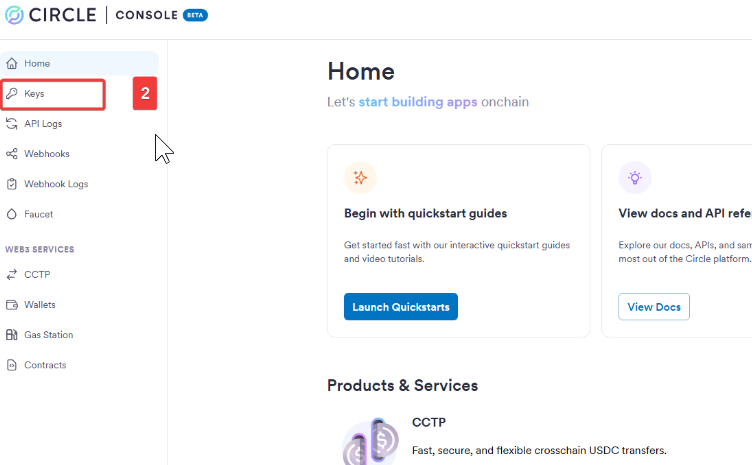
Step 2: Navigate to API Keys
Navigate to the Developers or Settings section to find the API Keys panel.
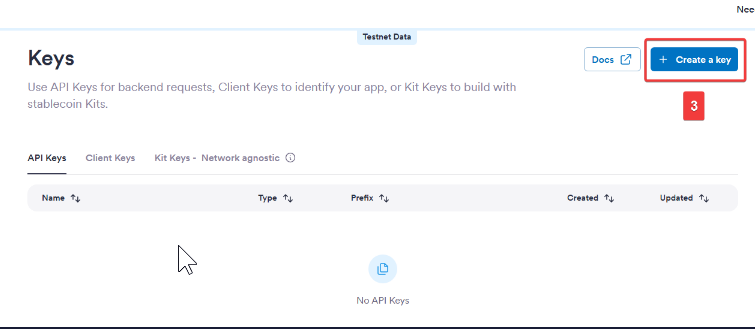
Step 3: Create a New Key
Click the button to create a new API Key.
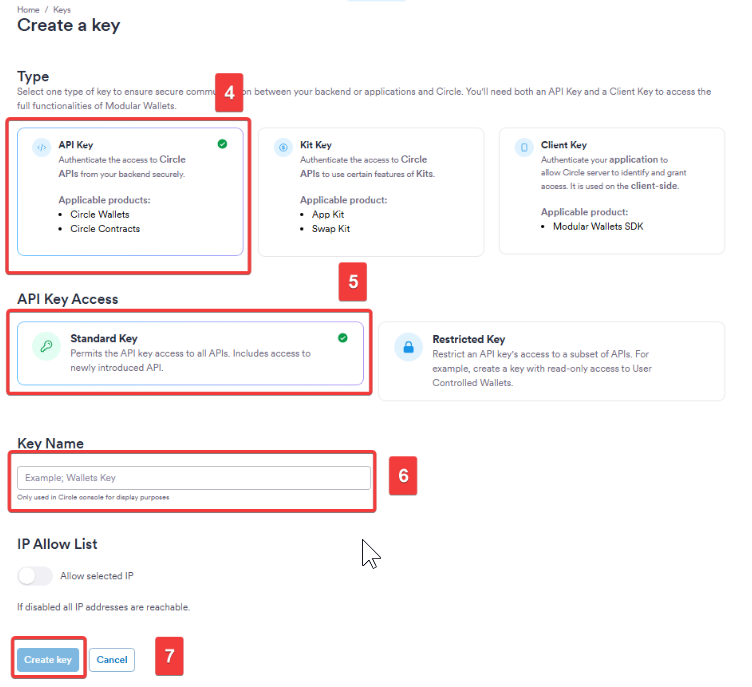
Steps 4-7: Configuration
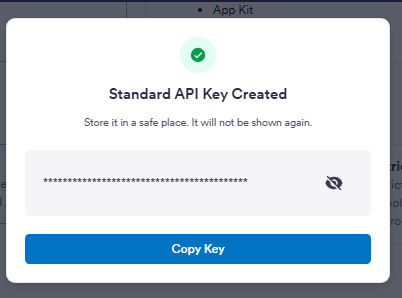
Follow the on-screen prompts to confirm the creation of your standard API key.
Step 8: Copy Your Key
Once generated, copy the key immediately. This is the value you must paste into your .env file as CIRCLE_API_KEY. Keep it secure!
Next: Proceed to the Circle App ID Tutorial to get your frontend credentials.